Desktop
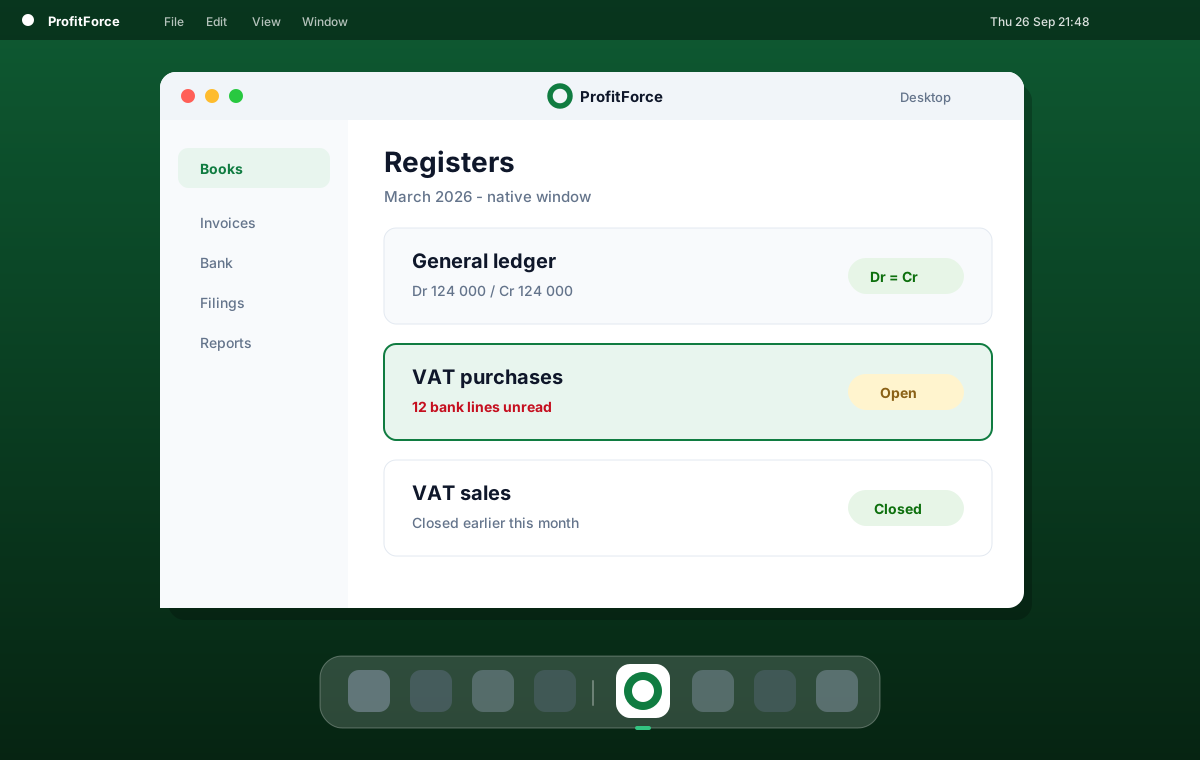
Your books in a native window.
Same ledger as the web app. A thin shell around app.profitforce.cc, with a dock icon and a dedicated profile that keeps you signed in.
macOS · Windows
Installers
Pick your platform.
Universal Mac build for Intel and Apple Silicon. Windows zip unpacks to ProfitForce.exe.
macOS
Universal DMG for Intel and Apple Silicon. Drag ProfitForce to Applications.
ProfitForce-mac.dmg
Windows
x64 zip. Unzip, then run ProfitForce.exe. No browser required.
ProfitForce-win.zip
Why desktop
One window for the close.
Leave the browser tabs. Keep the same company ledger, KSeF, and filings.
No tab clutter
A dedicated window for books, bank, and filings. The close stays in one place.
Dock and Start Menu
Launch ProfitForce like any other app. Icon on the dock, shortcut on Windows.
Session that lasts
A dedicated profile keeps you signed in across close and reopen.
Same product, same data
Opens the live web app. No parallel UI, no sync gap, no second source of truth.
How it works
A shell, not a second product.
A thin native shell wraps the tenant app you already use. Packaged builds always open https://app.profitforce.cc.
- Same login and company as the browser
- External links open in the system browser
- The page stays sandboxed from your machine
Prefer a walkthrough first?
Book a demo with a co-founder, then install the desktop shell when you are ready.