Sales and purchases
AR and AP on one ledger.
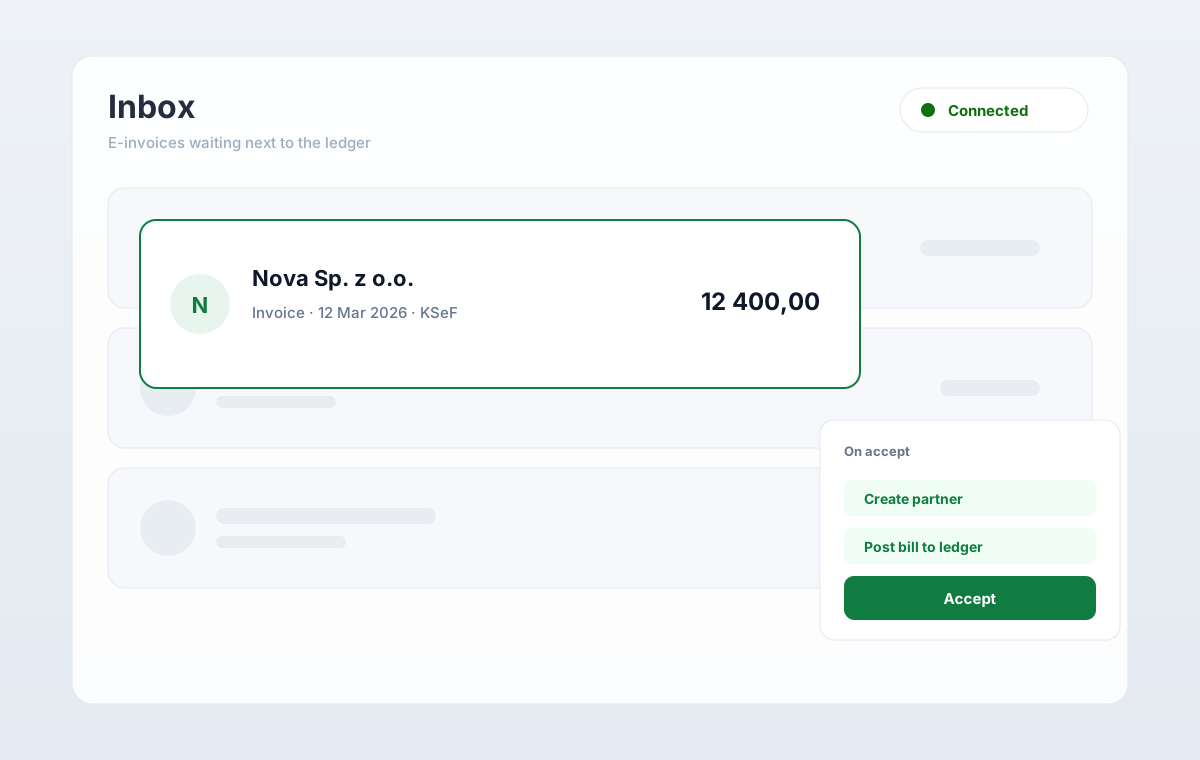
Issue with local tax overlays. Accept purchases from KSeF. Partners, lines, and payments stay on the same trail.
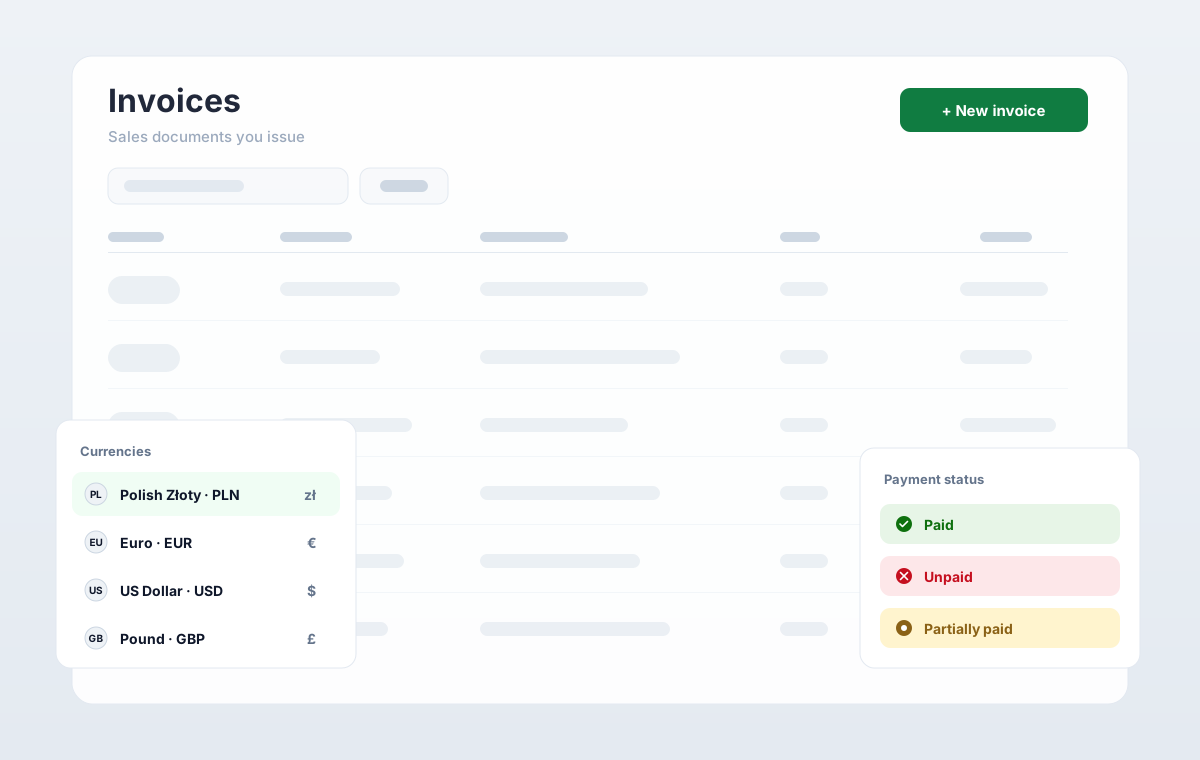
Sales and purchases
Sales and purchases
Local tax overlays on both sides. One ledger for AR and AP.
- Issue with VAT overlays for the Polish close
- Accept bills from KSeF into the purchase register
- Receivables and payables in one workspace
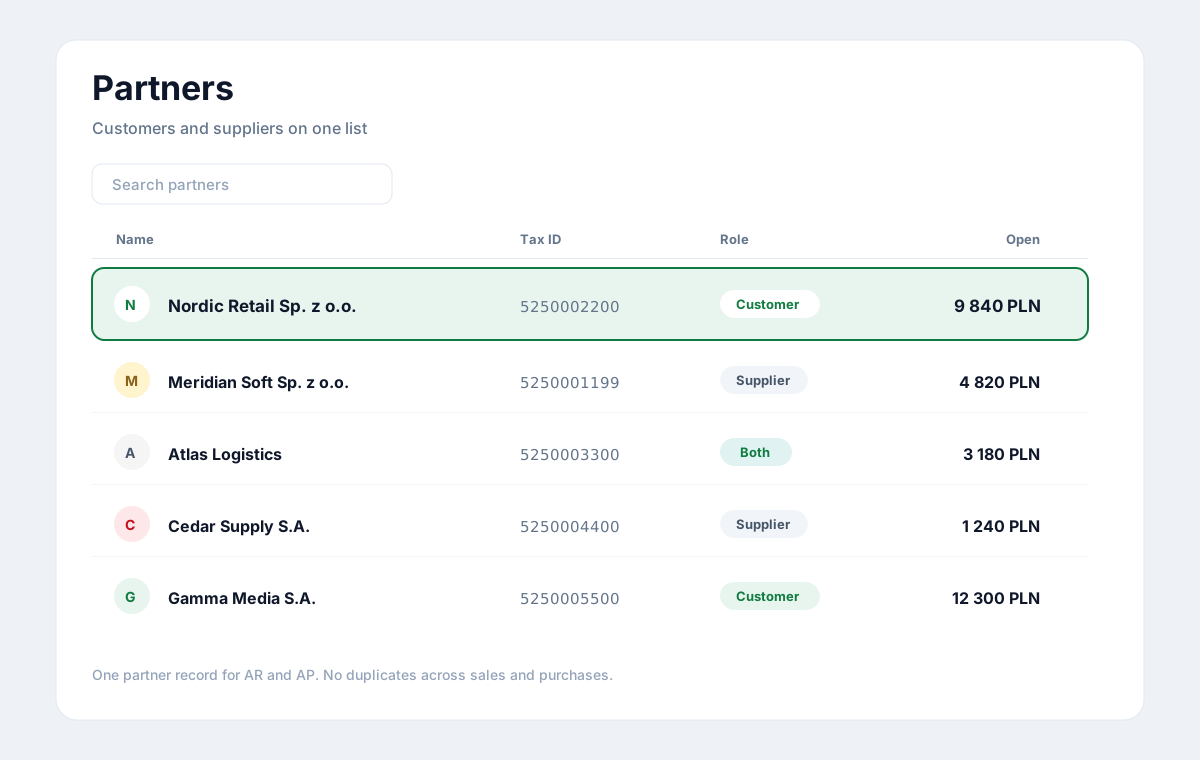
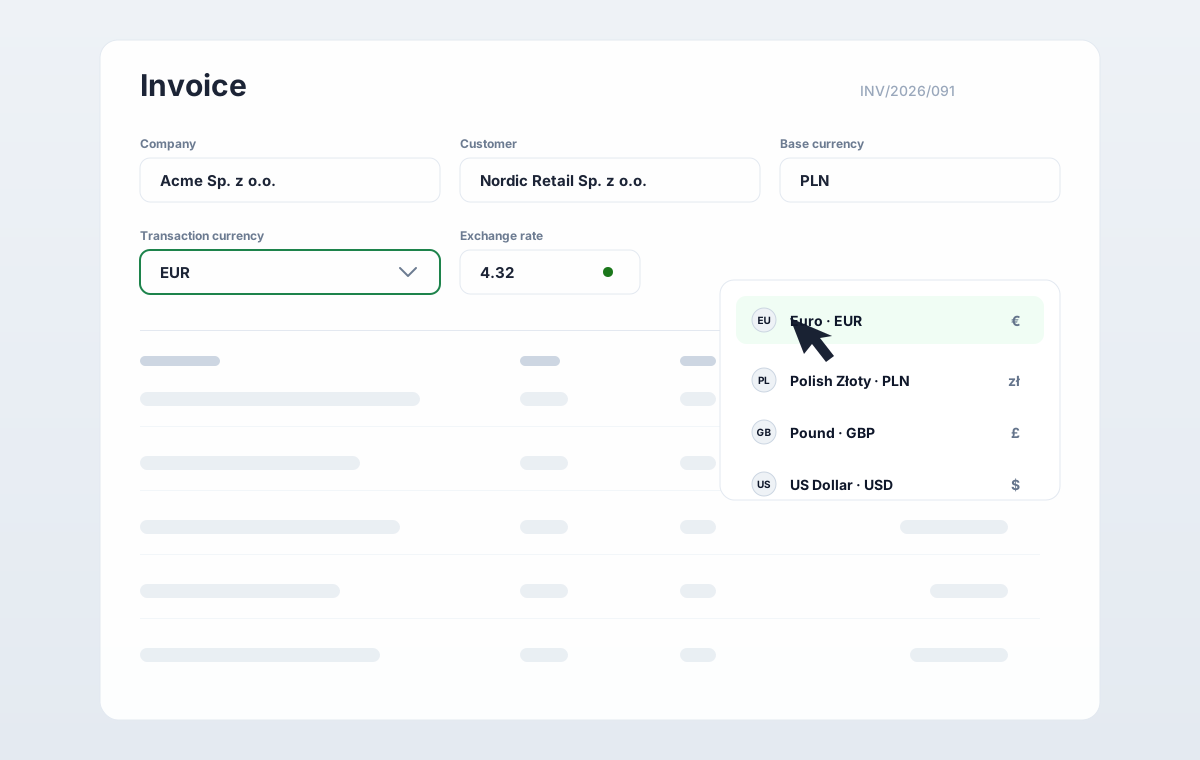
Issue with VAT overlays. Gross totals stay on the record.
How it runs
Issue, accept, collect.
Sales and purchases share partners, tax overlays, and payment matching.
01
Issue the invoice
VAT overlays on the line. KSeF number stays on the record.
02
Accept the purchase
From the KSeF inbox into the purchase register.
03
Track AR and AP
Open amounts sit next to the documents that created them.
04
Match payments
Bank lines clear invoices and bills in the same workspace.
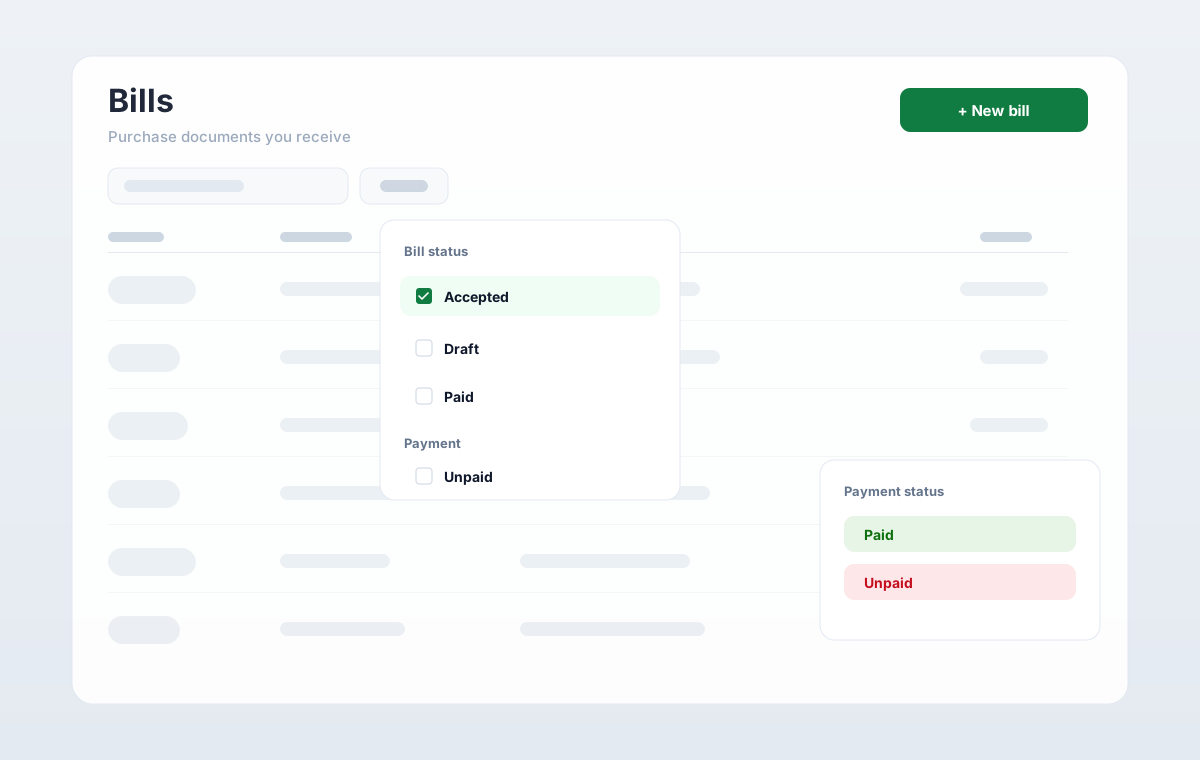
Both sides of the ledger
Issue sales. Accept purchases.
AR and AP share partners, tax overlays, and payment matching. KSeF purchases land as bills.
- VAT codes on the line, not a parallel sheet
- KSeF number stays on issued and accepted documents
- Open amounts sit next to the documents that created them
In practice
What changes on Thursday.
One partner list
Customers and suppliers are not duplicated across sales and purchases.
Overlays stay local
Polish VAT codes live on the line, not in a parallel sheet.
Payments close the loop
Matched cash updates status without a separate AR tool.
In the product
What sales and purchases cover.
Invoices, bills, partners, and payments in one workspace.
Invoice lifecycle
Draft, issue, send, and mark paid without leaving the record.
Purchase register
Bills from KSeF or manual entry feed the same close.
Shared partners
Customers and suppliers are one list for AR and AP.
Payments on the trail
Bank matches update document status on the same ledger.
Book a demo with a co-founder.
We meet every customer personally. Tell us about your business. A reply within one business day.